Database Setup for Non-Developers: Postgres, MySQL, SQLite Explained
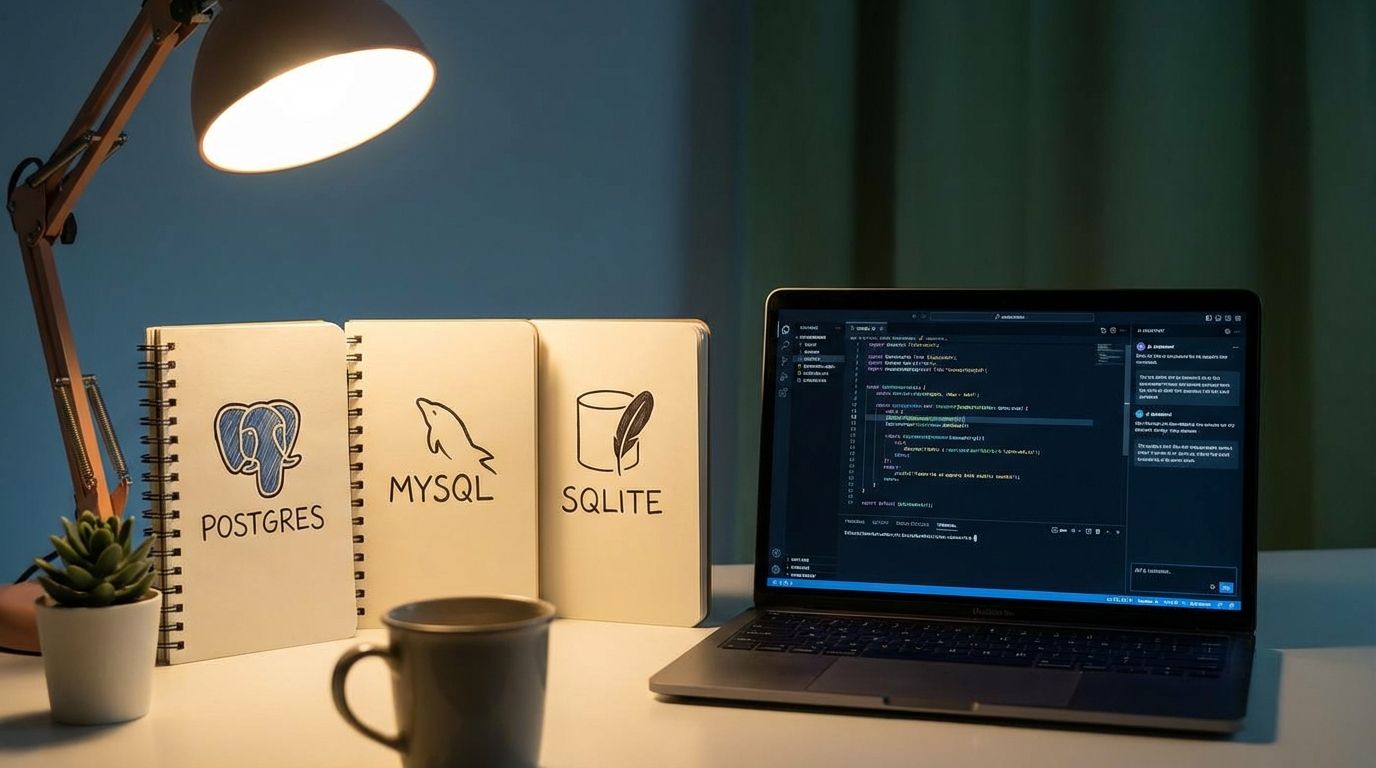
As a vibe coder building apps with AI assistance, you've probably hit that moment where your AI coding buddy suggests "Let's add a database!" and suddenly you're staring at terms like PostgreSQL, MySQL, and SQLite wondering what the hell the difference is.
Don't worry - we've all been there. Your AI can build amazing features, but understanding which database to choose and how to set it up? That's where things get murky. Let's break this down in plain English.
The Three Database Flavors You Actually Need to Know
SQLite: The "Just Works" Database
Think of SQLite as the bicycle of databases. Simple, reliable, and gets you where you need to go without any fuss.
What it is: A file-based database that lives right in your project folder. No server, no setup, no configuration headaches.
Perfect for:
- Prototypes and MVPs
- Small to medium apps (under 100k users)
- Desktop applications
- When you want to ship fast
Setting it up:
// That's it. Seriously.
// SQLite creates the database file automatically
const db = new Database('myapp.db');
The catch: It's like having a really efficient personal assistant who can't handle a crowd. Great for solo work, but struggles when multiple users start hammering your app simultaneously.
PostgreSQL (Postgres): The Swiss Army Knife
Postgres is like that friend who's good at everything - reliable, feature-rich, and handles complex stuff without breaking a sweat.
What it is: A full-featured database server with advanced capabilities like JSON storage, full-text search, and spatial data support.
Perfect for:
- Production applications
- Apps that need complex queries
- When you want room to grow
- JSON-heavy applications
Setting it up (the easy way):
# Using Docker (recommended)
docker run --name my-postgres \
  -e POSTGRES_PASSWORD=mysecretpassword \
  -e POSTGRES_DB=myapp \
  -p 5432:5432 \
  -d postgres:15
Why developers love it: It's like the Toyota Camry of databases - not the flashiest, but incredibly reliable and handles almost anything you throw at it.
MySQL: The Popular Kid
MySQL is everywhere. It's like JavaScript - you might have opinions about it, but you can't deny its popularity.
What it is: A widely-used relational database that powers a huge chunk of the web (including WordPress).
Perfect for:
- Web applications
- When you need lots of hosting options
- Traditional CRUD applications
- Working with existing MySQL-based tools
Setting it up:
# Docker setup
docker run --name my-mysql \
  -e MYSQL_ROOT_PASSWORD=mysecretpassword \
  -e MYSQL_DATABASE=myapp \
  -p 3306:3306 \
  -d mysql:8.0
The reality: It works great for most use cases, though Postgres fans will tell you it's less feature-rich. They're not wrong, but for 90% of apps, MySQL is perfectly fine.
The "Which One Should I Choose?" Flowchart
Building a quick prototype or MVP? → SQLite
- Zero setup time
- Perfect for testing ideas
- Easy to switch later
Building a real app that needs to scale? → PostgreSQL
- More features out of the box
- Better performance under load
- JSON support (great for modern apps)
Working with WordPress or need maximum hosting compatibility? → MySQL
- Supported everywhere
- Tons of documentation
- Large ecosystem
The Real Talk on Database Hosting
Here's where most vibe coders get stuck: setting up databases in production. Your AI can write the perfect schema, but getting it running reliably in the cloud? That's a different beast.
The DIY Route (Not Recommended)
Sure, you could spin up a VPS and install Postgres yourself. You'll spend weeks learning about:
- Connection pooling
- Backup strategies
- Security configurations
- Performance tuning
- High availability
- Monitoring
By the time you're done, you could have shipped three apps.
The Managed Route (Much Better)
Managed database services handle the boring stuff so you can focus on building:
For PostgreSQL:
- AWS RDS
- Google Cloud SQL
- DigitalOcean Managed Databases
- Supabase (Postgres + additional features)
For MySQL:
- AWS RDS
- PlanetScale (MySQL-compatible)
- Google Cloud SQL
Serverless Options:
- PlanetScale (MySQL-compatible, scales to zero)
- Neon (Postgres, scales to zero)
- Turso (SQLite, but distributed)
Database Connections: The Part Nobody Talks About
Your database is running, your app is deployed, but then you hit connection issues. This is where most tutorials end and real-world problems begin.
Connection Strings Demystified
// PostgreSQL
const connectionString = 'postgresql://username:password@host:port/database'

// MySQL
const connectionString = 'mysql://username:password@host:port/database'

// SQLite (local file)
const connectionString = './database.db'
Environment Variables (Please Use Them)
// Don't hardcode credentials!
const dbUrl = process.env.DATABASE_URL;
Connection Pooling (The Performance Saver)
Databases hate making new connections constantly. Use connection pooling:
// With a library like 'pg' for PostgreSQL
const { Pool } = require('pg');
const pool = new Pool({
  connectionString: process.env.DATABASE_URL,
  max: 20, // maximum number of clients in pool
});
Migrations: Keeping Your Schema Sane
As your app evolves, your database structure will too. Migrations track these changes:
-- Migration 001: Create users table
CREATE TABLE users (
  id SERIAL PRIMARY KEY,
  email VARCHAR(255) UNIQUE NOT NULL,
  created_at TIMESTAMP DEFAULT NOW()
);

-- Migration 002: Add name field
ALTER TABLE users ADD COLUMN name VARCHAR(255);
Most ORMs (like Prisma, Sequelize, or TypeORM) handle migrations for you. Use them.
The Bottom Line
Choosing a database doesn't have to be overwhelming:
- Start with SQLite for prototypes
- Move to Postgres for production apps
- Use managed hosting to skip the DevOps headaches
- Set up proper connection handling from day one
- Use migrations to manage schema changes
Your AI coding assistant is great at writing queries and building features. But when it comes to deployment, hosting, and production database management? That's where services like ours come in handy.
Focus on building great apps. Let someone else worry about keeping your database running at 3 AM.

Alex Hackney
DeployMyVibe